
How to Sign In
Learn the different ways to sign in to GenZform and access your dashboard.
How to Sign In to GenZform
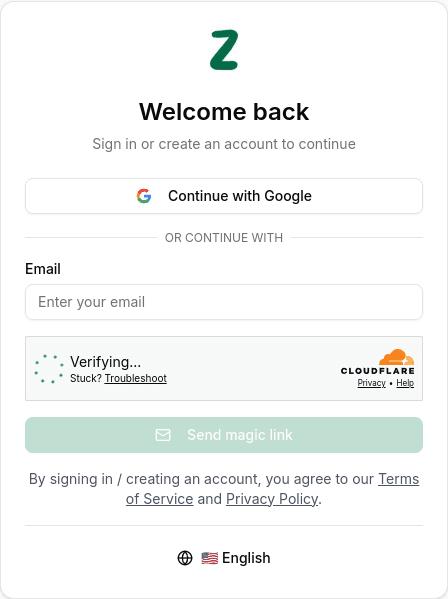
Sign in to GenZform to access your dashboard, create forms, and manage your submissions. GenZform offers two easy ways to sign in:
GenZform is free to use. You don't need a credit card to create an account or start building forms.
Sign-in Methods
Choose the method that works best for you:
Sign in with Google
The fastest way to sign in using your Google account. No password required.
Sign in with Email
Use a magic link or verification code sent to your email for passwordless authentication.
Creating a New Account
Don't have an account yet? No problem! GenZform uses a unified sign-in and sign-up flow:
- With Google: Simply click "Continue with Google" and your account will be created automatically
- With Email: Enter your email and click "Send magic link" — a new account will be created for you. You can sign in using the magic link in your email or by entering the 6-digit verification code.
There's no separate registration process. Your account is created the first time you sign in.
Need More Help?
If you're having trouble signing in, check the troubleshooting sections in each sign-in method guide, or contact our support team.