
Webhooks
Learn how to use webhooks to send GenZform submissions to any external service or API.
Webhooks let you automatically send form submission data to any URL. When someone submits your form, GenZform sends the data to your specified endpoint in real-time.
What Are Webhooks?
A webhook is an HTTP POST request sent to a URL you specify whenever a form is submitted. It contains all the form data as JSON, allowing you to:
- Send data to your own server or application
- Trigger custom workflows
- Integrate with services that don't have direct integrations
- Build custom automation
Webhooks are a powerful way to connect GenZform to any service that accepts HTTP requests.
How to Set Up Webhooks
Open your form and go to Integrations
Navigate to your form in the dashboard and click the Integrations tab.
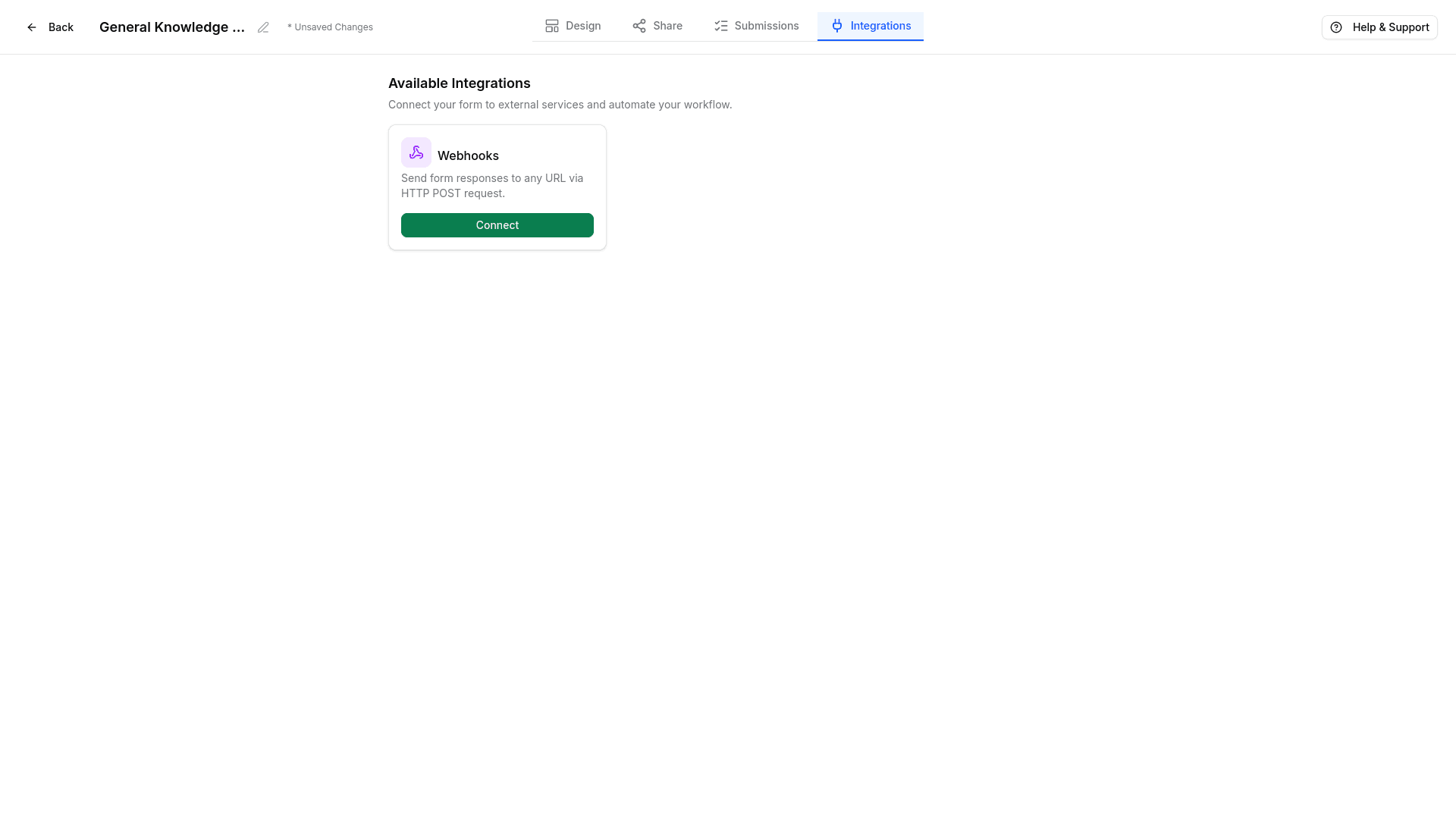
Click Connect on Webhooks
Click the Connect button on the Webhooks card to open the configuration dialog.
Enter your webhook URL
Add the URL where you want to receive form data. This should be an endpoint that accepts POST requests.
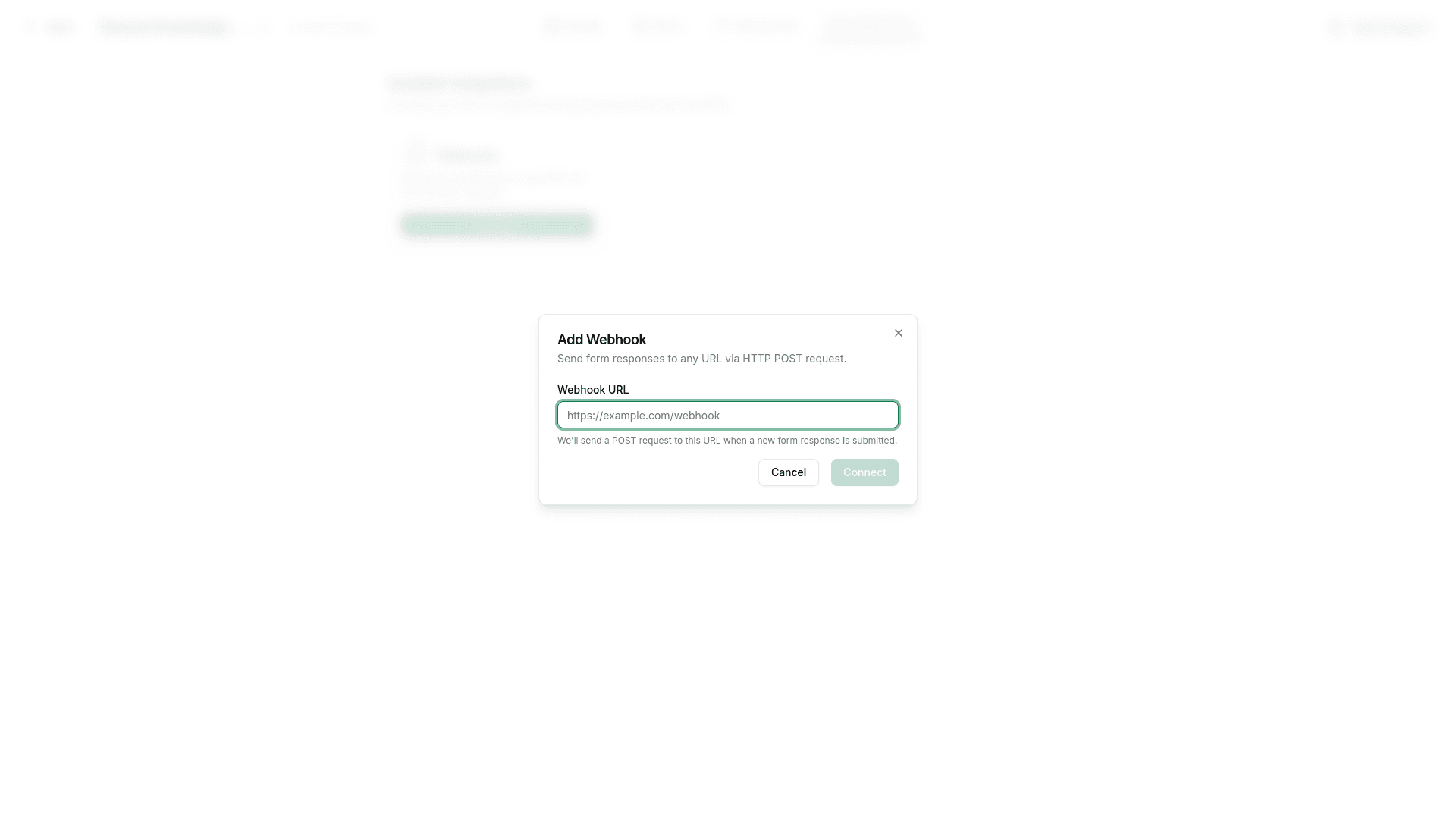
Save and test
Save your settings and submit a test form to verify the webhook is working.
Webhook Payload
When a form is submitted, GenZform sends a JSON payload:
{
  "form_id": "frm_abc123",
  "form_name": "Contact Form",
  "submitted_at": "2024-01-15T10:30:00Z",
  "data": {
    "name": "John Doe",
    "email": "[email protected]",
    "message": "Hello, I have a question..."
  }
}
Common Webhook Destinations
| Service | Use Case |
|---|---|
| Your server | Custom processing, database storage |
| Make (Integromat) | Complex automations |
| n8n | Self-hosted automation |
| Pipedream | Code-based workflows |
| RequestBin | Testing webhooks |
Testing Webhooks
Before connecting to production systems, test your webhook:
- Use a service like webhook.site to get a test URL
- Add the test URL to your form
- Submit a test form
- Verify the data arrives correctly
Frequently Asked Questions
What format is the data sent in?
Data is sent as JSON in an HTTP POST request. The Content-Type header is set to application/json.
Can I send to multiple webhooks?
Yes! You can add multiple webhook URLs and each submission will be sent to all of them.
What happens if my server is down?
GenZform will retry failed webhook deliveries several times. Check your integration settings for retry options.