
How to Rename Forms
Learn how to change your form name in GenZform to keep your projects organized.
Keeping your forms organized with clear, descriptive names makes them easy to find later. You can rename any form directly from the editor.
How to Rename a Form
Open your form
Open the form you want to rename in the editor. The current form name appears at the top of the page, next to the Back button.
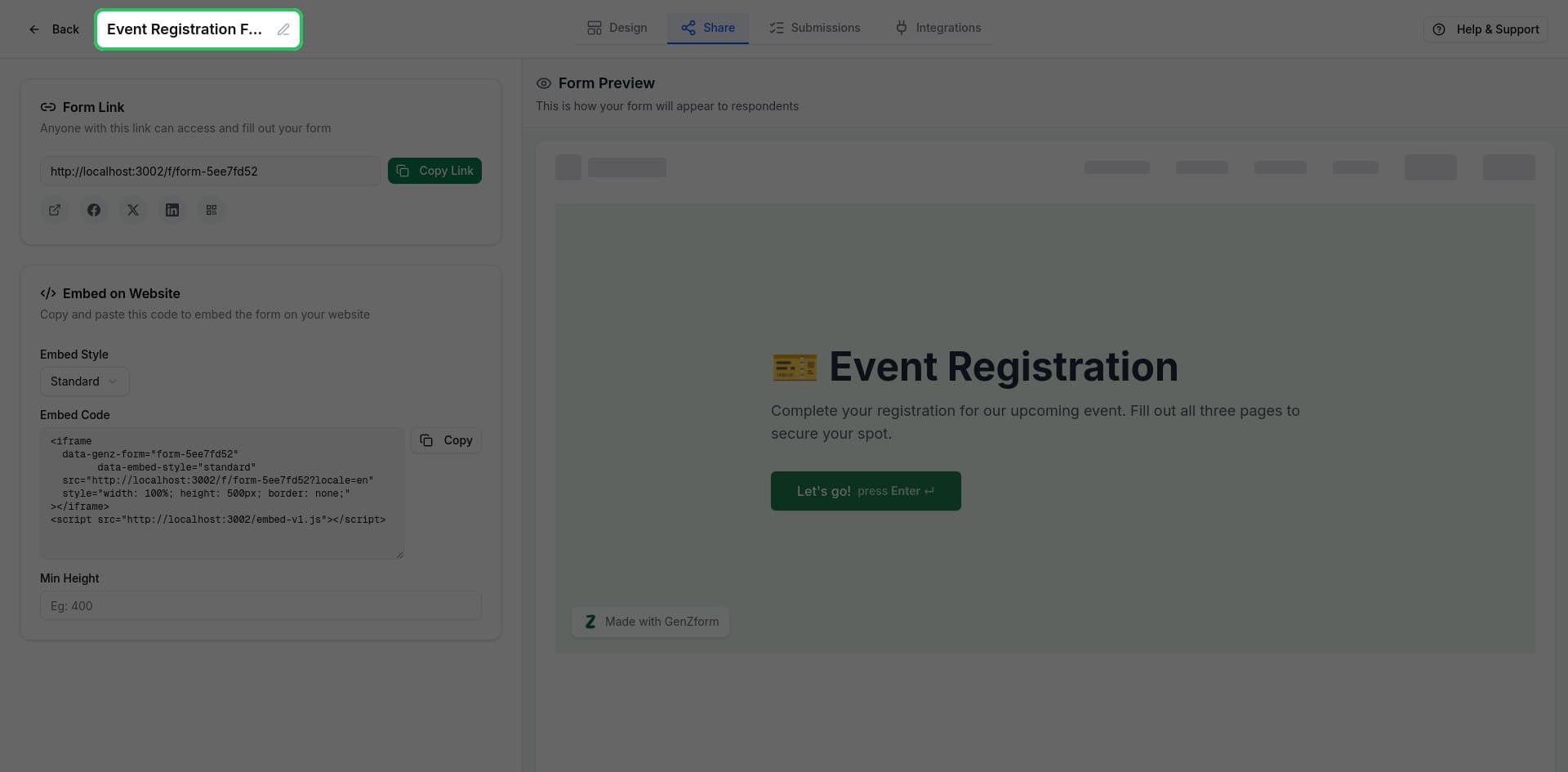
Click the form name
Click on the form name or the pencil icon next to it. This opens an edit dialog.
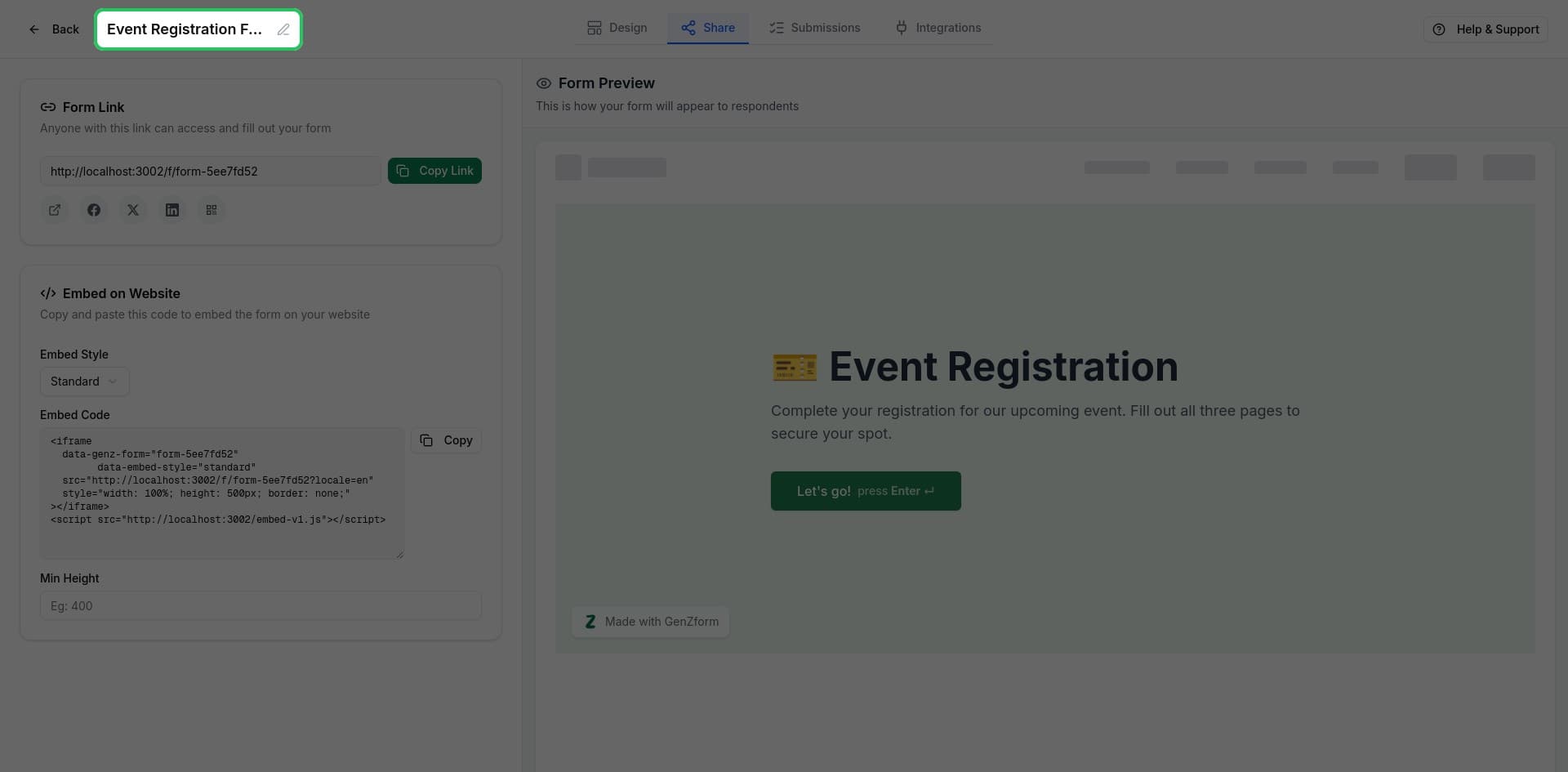
Enter the new name
Type your new form name in the text field and click Save or press Enter.
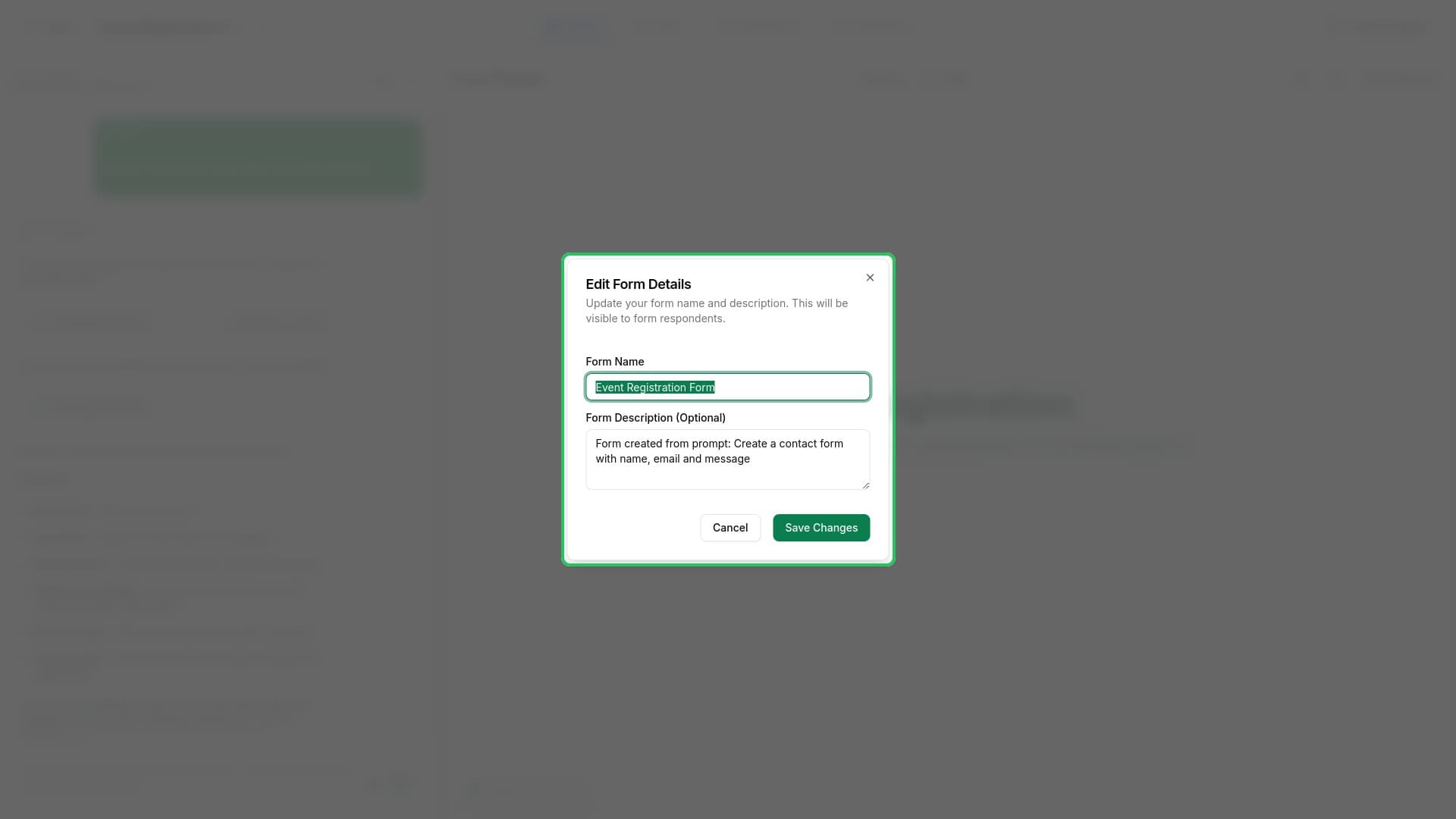
Form Naming Tips
Use descriptive names that help you identify the form's purpose:
| Instead of... | Try... |
|---|---|
| Form 1 | Contact Form - Homepage |
| Survey | Customer Satisfaction Q1 2025 |
| Quiz | Product Knowledge Assessment |
| Untitled | Event Registration - March Webinar |
Include context like:
- The form's purpose (Contact, Feedback, Registration)
- Where it's used (Homepage, Landing Page, Email Campaign)
- Time period if relevant (Q1 2025, March Event)
What Doesn't Change When You Rename
When you rename a form:
- URL stays the same - Your form link continues to work
- Submissions preserved - All existing responses remain intact
- Embed code valid - Embedded forms keep working
- QR codes work - Printed QR codes still function
Only the display name in your dashboard and editor changes.
Renaming via AI Chat
You can also rename your form using the AI chat:
Example prompts:
- "Rename this form to Customer Feedback Survey"
- "Change the form title to Contact Us"
- "Call this form Event Registration 2025"
The AI will update the form name for you.
Frequently Asked Questions
Will renaming affect my form URL?
No, your form URL is based on a unique code that doesn't change when you rename the form. All existing links continue to work.
Is there a character limit for form names?
Form names can be up to 255 characters, but shorter names (under 50 characters) display better in the dashboard.
Can I use special characters in form names?
Yes, you can use most special characters in form names. However, simple alphanumeric names with spaces are recommended for clarity.