
Country Select
Learn how to use the country selector field in GenZform for collecting country information with flags and search.
The country select field is a specialized dropdown that displays all countries with their flags. It includes search functionality and is perfect for international forms.
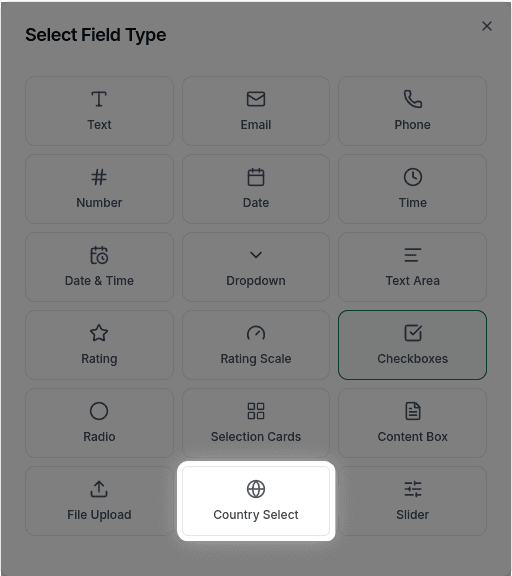
When to Use Country Select
Country select is ideal for:
- Address forms
- International user registration
- Shipping destination selection
- Geographic surveys
- Any form requiring country information
The country select includes 200+ countries with their flags and supports searching by country name.
How to Add a Country Select
Ask the AI in the chat panel:
Example prompts:
- "Add a country selector"
- "Include a country dropdown with flags"
- "Add a field for selecting country"
- "Create a country picker for the address section"
Country Select Properties
| Property | Description | Example |
|---|---|---|
| Label | The text shown above the field | "Country" |
| Placeholder | Default text | "Select a country" |
| Required | Whether selection is required | Yes/No |
| Default | Pre-selected country | "United States" |
| Show Flags | Display flag icons | Yes (default) |
| Searchable | Allow typing to search | Yes (default) |
Customization Options
Default Country
"Set the default country to United States"Frequently Asked Questions
Can I limit which countries are shown?
No, filtering or limiting the country list is not currently supported. The dropdown always shows all countries.
Does it show country flags?
Yes, flags are shown by default next to each country name.
Can users search for countries?
Yes, the country select is searchable by default. Users can type to filter the list.
Can the country selection auto-fill phone country codes?
Phone code integration with the country selector is not currently available. The country select and phone fields operate independently.