
Time Field
Learn how to use time picker fields in GenZform for collecting times like appointment times and schedules.
The time field provides a time picker interface for users to select a specific time of day.
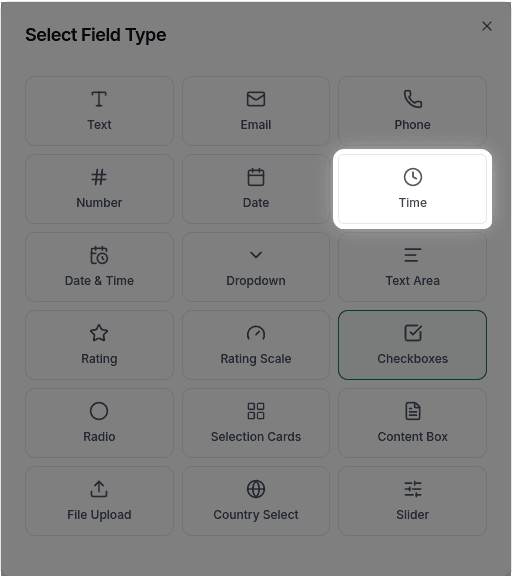
When to Use Time Fields
Time fields are perfect for:
- Appointment times
- Preferred contact times
- Event start/end times
- Schedule preferences
- Delivery time slots
Need both date and time together? Use a Date & Time Field instead.
How to Add a Time Field
Ask the AI in the chat panel:
Example prompts:
- "Add a time picker for appointment time"
- "Include a preferred contact time field"
- "Add start time and end time fields"
- "Create a time field for meeting schedule"
Time Field Properties
| Property | Description | Example |
|---|---|---|
| Label | The text shown above the field | "Preferred Time" |
| Placeholder | Hint text | "Select a time" |
| Required | Whether the field must be filled | Yes/No |
Customization Options
Making it Required
"Make the preferred time field required"Custom Placeholder
"Set the time placeholder to 'Choose a time'"Frequently Asked Questions
Can I limit available times (min/max)?
No, min/max time restrictions are not currently supported. The time picker allows users to select any time.
Can I set time intervals?
Time interval restrictions (e.g., 15-minute or 30-minute slots) are not currently supported.
Can I use 12-hour (AM/PM) format?
The time field currently uses 24-hour format only. Custom time format options (like 12-hour AM/PM) are not available.