
Embed in Notion
Add GenZform forms to Notion pages using the embed block for seamless form integration in your workspace.
Notion supports embedding external content through its embed block. You can add GenZform forms to any Notion page for internal surveys, feedback collection, or client-facing forms on published Notion sites.
Standard Embed
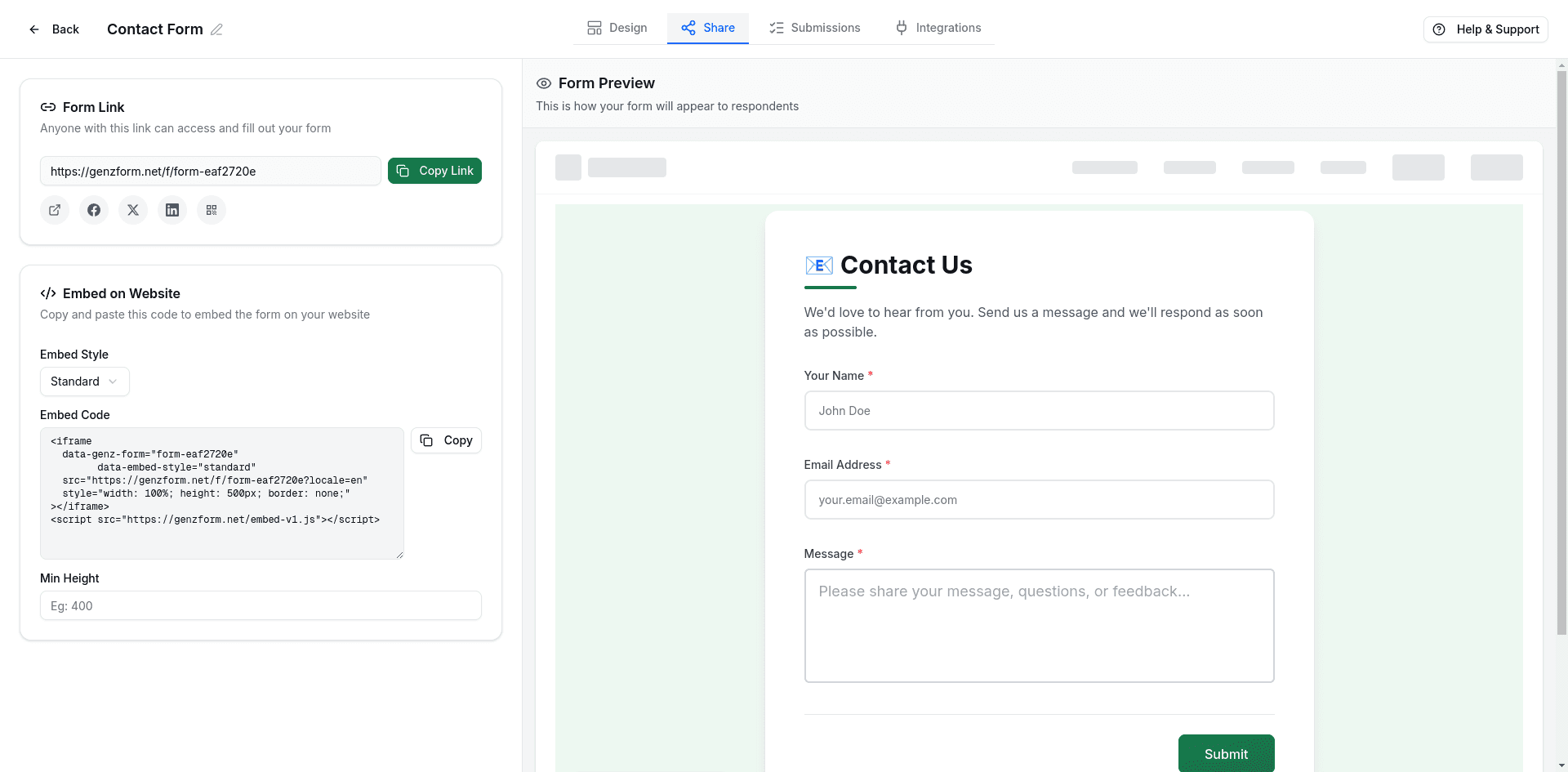
Copy your form link
- Open your form in the GenZform dashboard
- Go to the Share tab
- Copy the form link:
https://genzform.com/f/YOUR_FORM_ID
Create an embed block
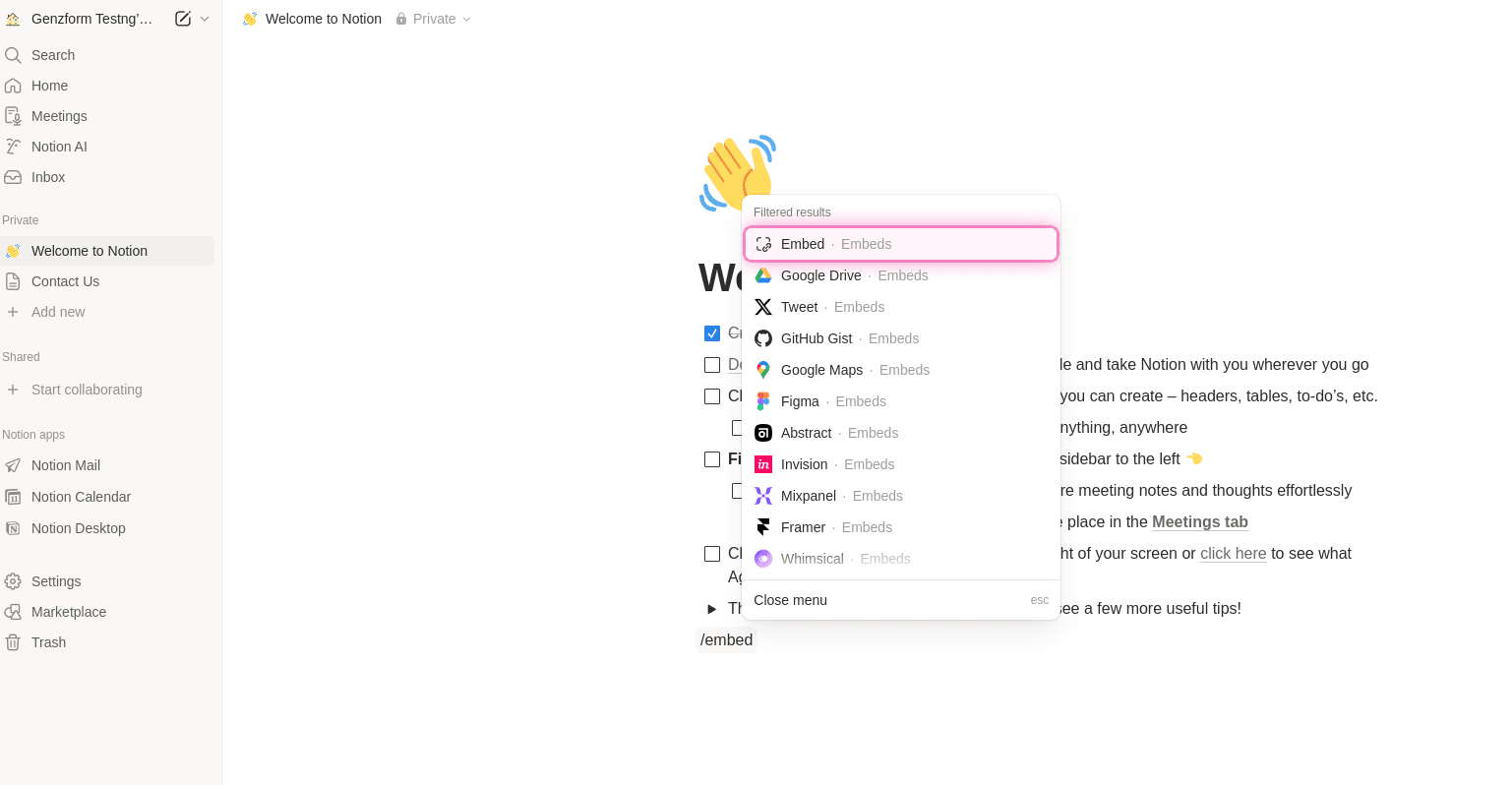
In your Notion page, type /embed and select Embed from the menu. Or paste the URL directly and choose Create embed.
Paste your form URL
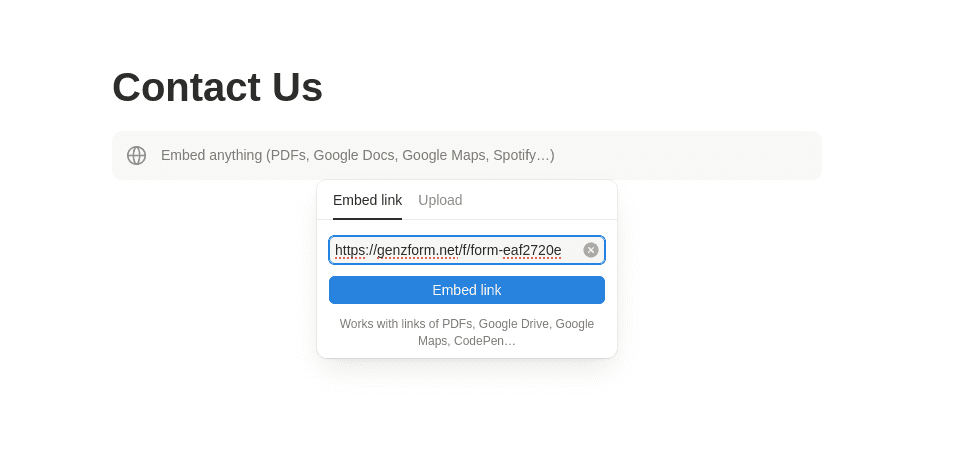
Paste the GenZform URL (e.g., https://genzform.com/f/YOUR_FORM_ID) and click Embed link.
Resize the embed
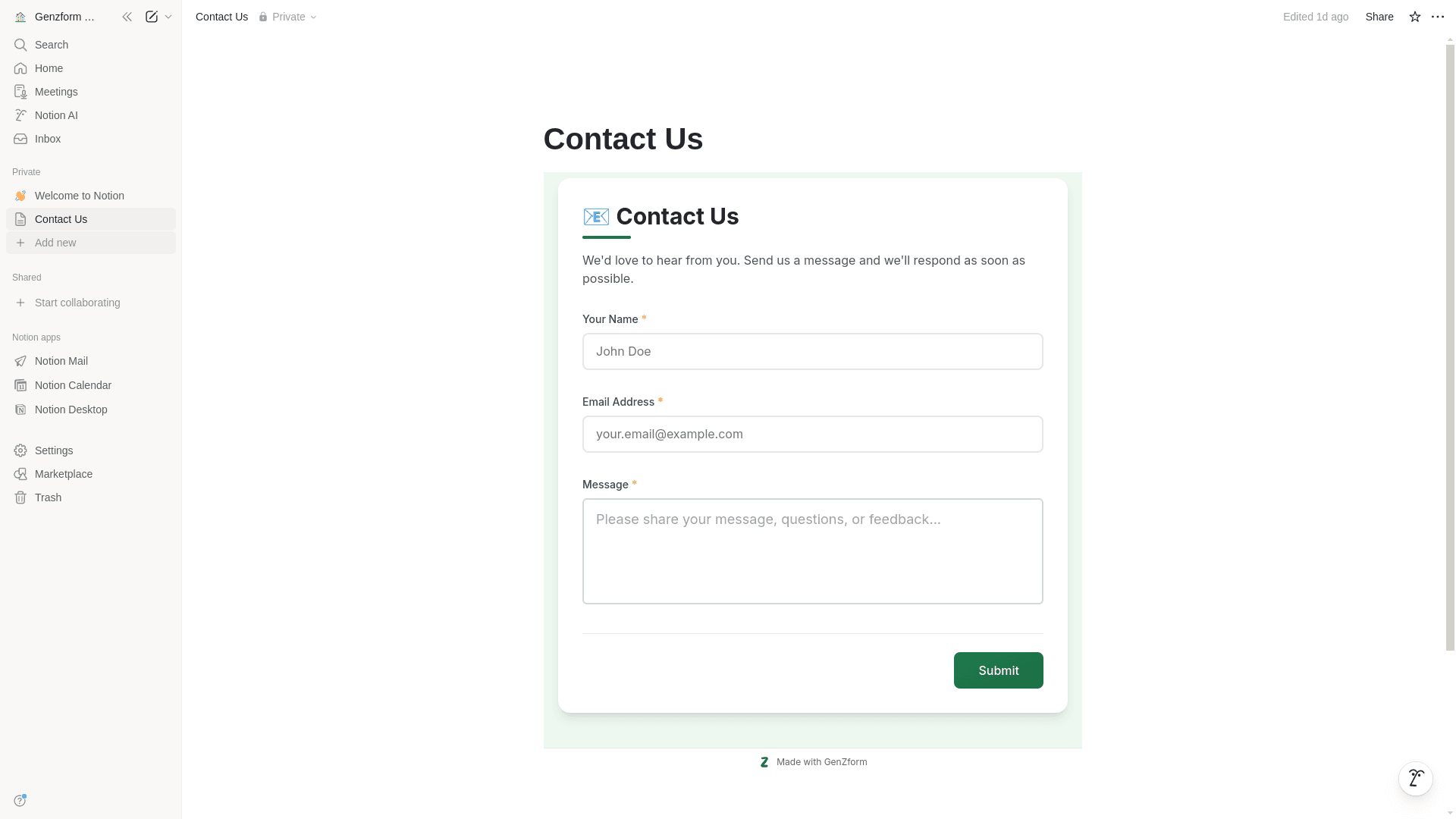
Drag the corners of the embed to resize it. For forms, a height of at least 500-600 pixels works well.
Layout Tips
Full Width
For better form display, make the embed full width:
- Click the embed block
- Click the ⋮⋮ drag handle
- Select Full width from the options
Centered Layout
To center the form with margins:
- Keep the embed at default width
- The form will be centered within its container
- Drag the handles to set a comfortable max width
Page Width
For forms in narrow columns (like in a sidebar or toggle):
- Use a smaller initial height
- The GenZform script will auto-adjust if you're using the full embed code on a published Notion page
Published Notion Sites
When using Notion as a website (with Notion Sites or Super.so), you have more options:
Using the Direct URL
The simple URL embed works in published Notion sites:
https://genzform.com/f/YOUR_FORM_IDUsing HTML Embed (Super.so / Potion)
If you're using a Notion-to-website tool that supports custom HTML:
<iframe
  data-genz-form="YOUR_FORM_ID"
  data-embed-style="standard"
  data-min-height="500"
  src="https://genzform.com/f/YOUR_FORM_ID"
  style="width: 100%; height: 500px; border: none;"
></iframe>
<script src="https://genzform.com/embed-v1.js"></script>
This enables auto-height adjustment and better integration.
Embedding in Notion Databases
Notion databases don't support inline embeds in views, but you can:
- Link to the form - Add a URL property with your form link
- Embed in database pages - Open any database entry as a full page and add an embed block there
- Create a linked page - Add a page with the embedded form and link to it from your database
Use Cases
- Team surveys - Collect feedback from team members
- Client intake - Gather project requirements from clients
- Internal requests - IT tickets, supply orders, etc.
- Documentation feedback - Let readers submit suggestions
- Event registration - Sign-ups for team events
Frequently Asked Questions
Why does my form look cut off?
Notion embeds can be small by default. Drag the corners to resize. For better results, stretch the embed to full width and increase its height to at least 500-600 pixels.
Can visitors fill out the form without a Notion account?
Yes. When you share a Notion page publicly or publish it as a website, anyone can fill out the embedded form without needing a Notion account.
Does the form auto-resize in Notion?
In the standard Notion app, the embed is a fixed size that you set manually. On published Notion sites with the full embed code, the auto-height script can work.
Can I use popup forms in Notion?
Notion's embed block only supports iframe embeds. Popup buttons require JavaScript which isn't supported in Notion pages. Use the standard inline embed instead.
Will form responses show in Notion?
Form responses are collected in your GenZform dashboard, not in Notion. You can use the Zapier integration to automatically create Notion database entries from form responses.